One Source of Truth for Every Tag
Maintain a centralized tag database with categories, descriptions, I/O addresses, UDT references, and custom attributes. Keep your tag naming consistent across every project and every engineer on your team.
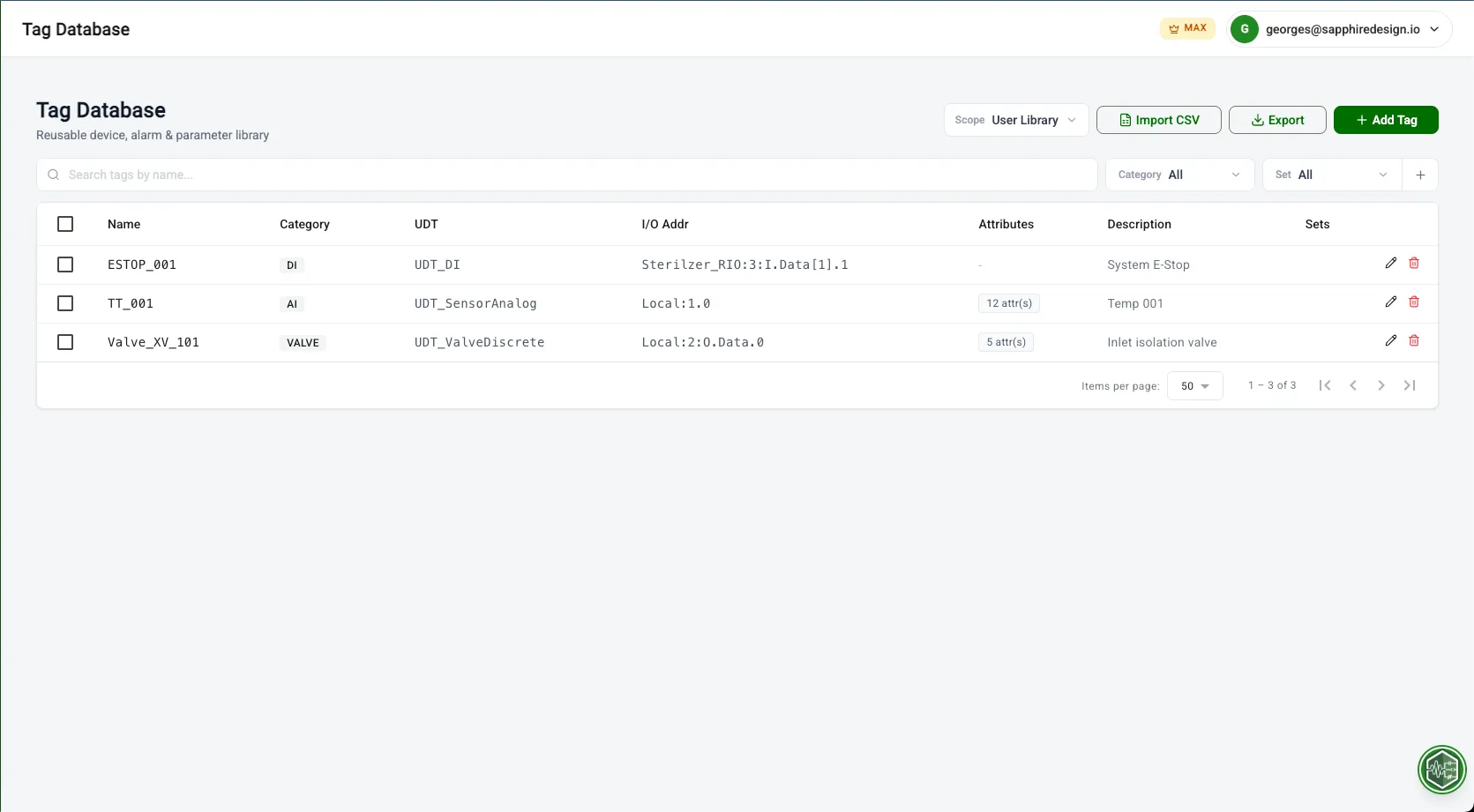
How It Works
Import
Create or import tags
Organize
Organize by category and type
Reference
Reference across modules
Built for engineers like you
Managing 2,000+ tags across a multi-line food processing plant
Import master tag list once, push to I/O Code and Alarm Code for every new line.
Standardizing tag naming across three facilities after an acquisition
Merge tag lists from different projects into one canonical database with enforced conventions.
Tags scattered across spreadsheets and project files with no single source of truth.
What PLCflow Does
- Create or import tags
- Organize by category and type
- Reference across modules
Before & After
See the difference PLCflow makes on a real project.
- Maintain separate tag spreadsheets per project
- Copy-paste between files, naming drifts over time
- No single source of truth for which tags are current
- Onboarding a new engineer means explaining your spreadsheet system
- Import tag list once into a centralized database
- Tags are categorized, searchable, and filterable
- Every generation module references the same tags
- Consistent naming enforced automatically
Engineered for Complexity
Purpose-built capabilities for industrial-scale projects.
Bulk CSV Import
Import existing tag lists from spreadsheets. Map columns to PLCflow fields and populate your database in seconds.
Category & Type Filtering
Organize tags by equipment type, area, or custom categories. Filter instantly across thousands of tags.
Cross-Module Reference
Tags defined here are available in I/O Code, Alarm Code, and every generation module. Define once, use everywhere.
Start using Tag Database for free
No credit card required. Import your first file and generate production-ready output in under a minute.